How Gcore CDN + WAAP process traffic
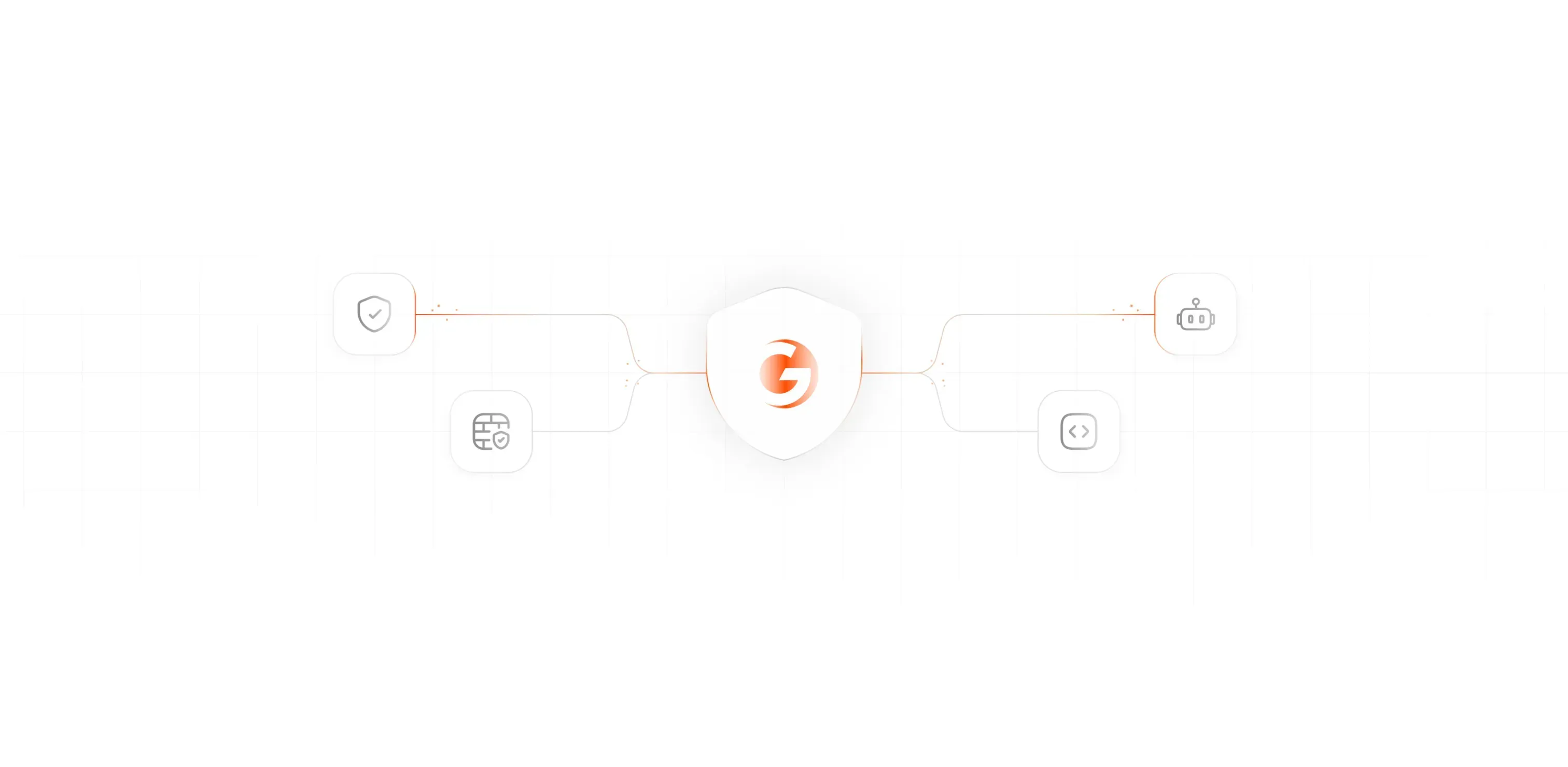
A practical mental model of the request flow and response flow when a client hits an application protected by Gcore CDN and Gcore WAAP. Hover the diagram steps for details.
Diagram: request path → origin, then response path → back to the client.
Tip: hover nodes for tooltips.
Note: The exact feature names and ordering can depend on your product setup, but the diagram reflects the practical “how it feels” flow when troubleshooting.
Gcore Request Flow
- CDN Edge: client TLS/HTTP terminates at the edge
- Edge controls: ACL, CDN rules, rewrites
- WAAP:
- L7 DDoS protections (rate limiting, JavaScript DDoS gateway)
- Rule engine (global policies + custom/advanced rules)
- Priority: Allow > Block > Captcha > Handshake (JS validation)
- Load Balancer: forwards allowed traffic to upstream(s)
- Origin server: your origin app / API receives the request
Gcore Response Flow
- Origin server: returns a response (200/4xx/5xx)
- WAAP:
- Response rule engine (e.g., response inspection, sensitive data exposure)
- WAAP response pages (block/captcha/challenge) when a request is convicted
- CDN Edge: applies caching rules (unless disabled for APIs)
- Client: receives upstream response or WAAP challenge page
Try it live (your demo endpoints)
These are the endpoints you already use in your demo JS (/api/*), plus your existing tools pages. They’re perfect for testing WAAP actions like rate limiting, bot/JS challenge, allow/block rules, and header inspection.
API calls
- GET /api/health basic health check
- GET /api/whoami client ip / headers (if implemented)
- GET /api/search?q=... query parsing tests
- GET /api/ratelimit rate limit tuning
- GET /api/private auth header checks
Tools pages
- Headers inspector request header visibility
- DNS/SSL checks DNS chain + cert parsing
- PoC & Demos how you structure tests
- Home API lab UI (login/private)
Practical WAAP test ideas
- Enable a rate limit on /api/ratelimit and run burst traffic from the homepage demo.
- Create a block rule on suspicious User-Agent and validate challenge pages.
- Test allow rules by IP (your office/VPN) vs. block for others.
- Test header-based rules (e.g., missing Authorization → block).
- Ensure API endpoints return Cache-Control: no-store to prevent CDN caching.
The goal of this page is to quickly understand where to look when something is blocked, challenged, cached, or rewritten.